 加密货币源码
点击放大
erc20-token-scam - ERC20 授权盗币钓鱼演示( JavaScript )
项目说明
erc20-token-scam
A phishing website to demonstrate how a hacker can steal your ERC-20 tokens with the approve and transferFrom functions, and the risk of confirming token transfer appro checking transaction details carefully. This website is just for educational purposes only.
ERC-20 Token
##### Installation
Install Node.js.
Install the required Node.js packages in this project including hardhat, ethers and /contracts.
##### Configuration
By default, Hardhat will create 20 accounts and preload each with 10000 ETH on your local blockchain 网络. If you want to connect to other Ethereum networks, you will need to update the Hardhat configuration file hardhat.config.js. The artifacts output path is set to ./dapp/src/artifacts since the DApp needs to use the ABI in the artifacts.
##### Deployment
1. Run Hardhat Network.
2. Compile the smart contracts.
3. Deploy the smart contracts.
##### MetaMask
1. Install MetaMask extension in Chrome.
2. After running npx hardhat node, a list of accounts will be shown on the terminal. Import Account #0 and Account #1 to your MetaMask 钱包.
DApp
##### Installation
Change current directory to
dapp and install the required Node.js packages in this DApp including React and ethers.##### Configuration
In dapp directory, create a .env file containing the address of the deployed Token smart contract and the Account #1 address as the hacker account. Since this DApp is created from create-react-app, the en should start with REACT_APP_.
##### Get Started
In dapp directory, run the application.
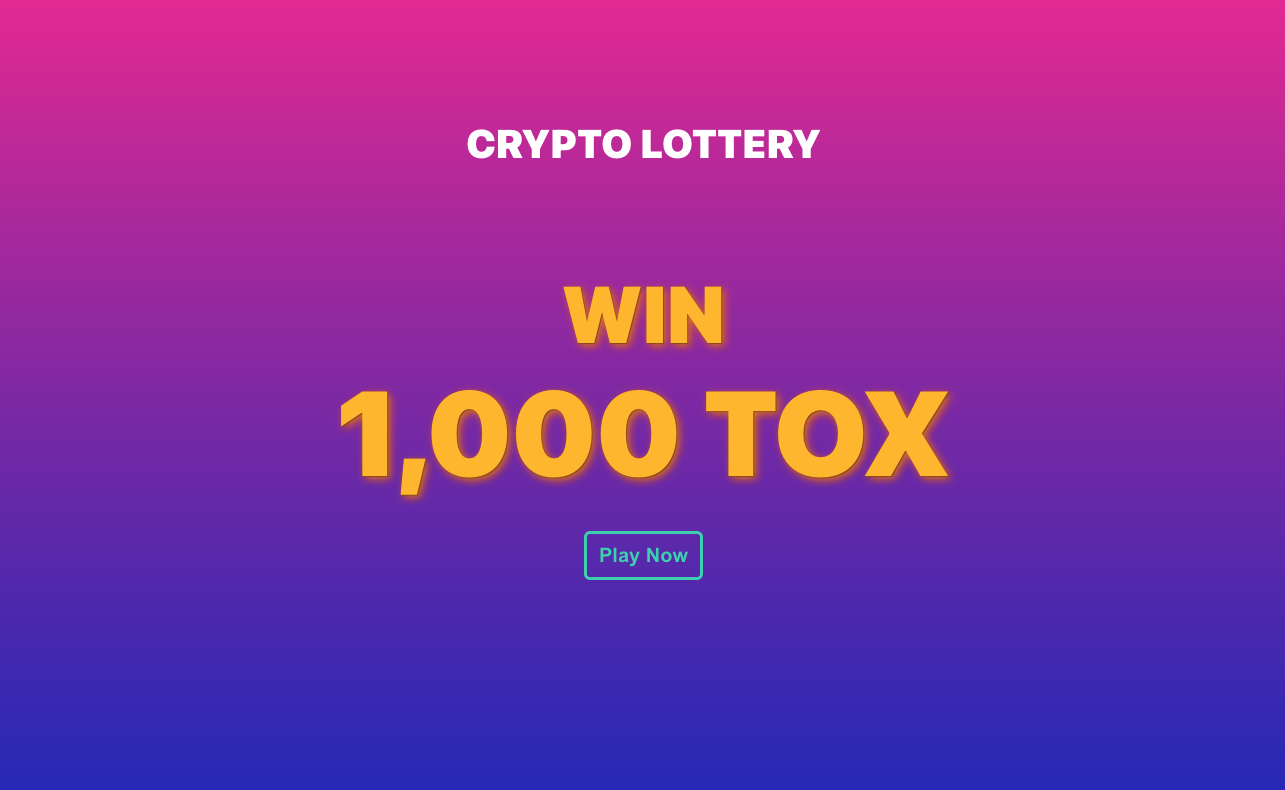
1. Open Chrome and go to . Click Play Now.
<br/>
!Initialization
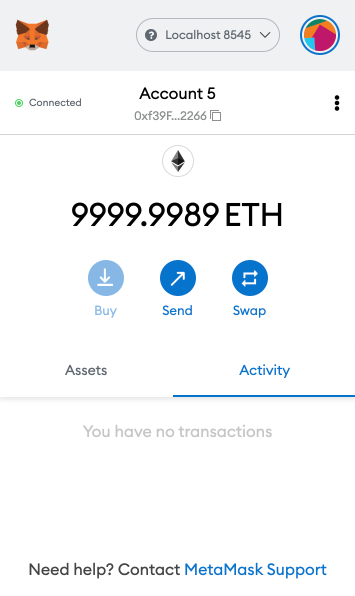
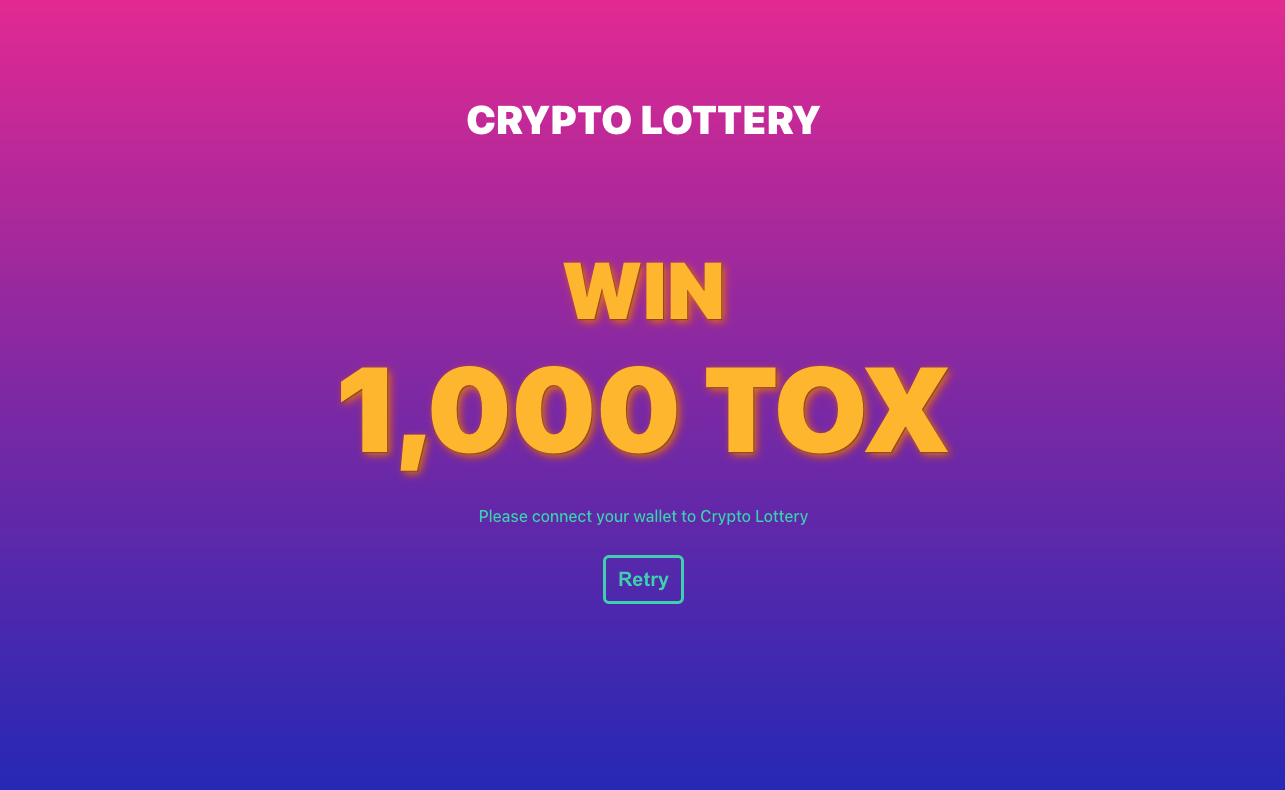
2. Connect MetaMask to Localhost 8545 and select the account. Click Retry on our phishing website.
<br/>
!Connect to Localhost 8545
<br/>
!Retry
3. Buy a ticket. Confirm the transaction and wait until the transaction is confirmed.
<br/>
!Buy ticket
<br/>
!Confirm transfer approval
4. Now the hacker is authorized to spend TOX from the account. Go to . We can see 's TOX balance is still 0 and hacker is 0.
<br/>
!Balance before hacking
5. Let's steal the 's TOX! Switch to the hacker account in the MetaMask 钱包. Click Get TOX and confirm the transaction.
<br/>
!Hacker account
<br/>
!Confirm transfer
6. Reload . 's TOX balance now becomes 1 and hacker is !
<br/>
!Balance after hacking
Phishing Attack Pre
Check the full transaction details carefully before confirming any transactions. In this phishing website, the ticket fee is intentionally set to a price same as the estimated transaction fee so as to mislead the users. In fact, the transaction fee is just a service charge you should pay along with the ticket fee. From the example above, if we expand the transaction details, we can see the amount that the hacker is allowed to spend is 9.9999999999e-8 TOX (). It is extremely dangerous to authorize any accounts to spend your tokens without checking the amount in Permission.
<br/>
!Transaction details
Account Cleanup
If you want to clean up your accounts and play again, you may need to remove the cache and artifacts using the following command. Then restart Hardhat 网络, recompile and redeploy the Token smart contract.
To reset the nonce for an account in the MetaMask 钱包, na to Settings, go into Ad and click Reset Account.
<br/>
!Settings
<br/>
!Ad
<br/>
!Reset account
技术栈
开发语言:Ja
项目类型:ERC20 授权盗币钓鱼演示(Ja)
Star 数:45
功能特点
这是一套ERC20 授权盗币钓鱼演示(Ja),代码结构清晰,适合安全研究人员学习加密货币钱包安全、剪贴板劫持、私钥碰撞等攻击面的原理与实现。项目涵盖了地址生成、私钥管理、链上交互、剪贴板监控等核心模块,对理解区块链资产安全机制具有较高的研究价值。
从技术实现角度看,此类项目的技术点在于:私钥熵源与生成算法、链上余额查询接口、剪贴板监听与地址替换逻辑、以及多链钱包地址的编码差异。本项目在这些方面提供了可运行的实现,研究者可以在此基础上进行安全分析或防御研究。
使用说明
1. 下载源码压缩包,解压到本地环境。
2. 根据项目类型准备对应的运行环境(Python / Node.js / Go / C# 等)。
3. 按照 README 中的步骤安装依赖、配置环境变量。
4. 运行脚本或编译程序,观察输出结果。
注意:本项目仅供安全研究与学习使用,请勿用于任何非法用途。
研究价值
对于从事区块链安全、渗透测试或恶意样本分析的研究者来说,这套源码是一个很好的研究对象。通过阅读代码,可以学习到加密货币钱包的攻击面、剪贴板劫持的检测方法、私钥碰撞的概率原理、以及链上资产的追踪技术等关键知识点。
同时,项目中的代码组织和模块划分,也展示了安全工具在工程化方面的实践经验。理解这些攻击工具的实现原理,对后续开发防御检测工具、建立资产风控模型也很有帮助。
免责声明
本资源来源于开源社区,仅供安全研究、技术学习与攻防演练使用,请勿用于任何非法或侵害他人权益的用途。使用本项目产生的一切后果由使用者自行承担。若涉及第三方权益,请联系删除。
| 资源标题 | erc20-token-scam - ERC20 授权盗币钓鱼演示( JavaScript ) |
| 所属分类 | 加密货币源码 |
| 发布作者 | admin |
| 发布时间 | 2026-10-05 18:55:34 |
| 下载权限 | 免费下载 |
| 附件数量 | 2 个下载链接 |
| 浏览次数 | 309 |
| 讨论数量 | 0 |
| 主题状态 | 正常讨论中 |