 页游源码
点击放大
项目说明
Three JS Multiplayer Game Demo
Welcome to Notblox! This project showcases a simple multiplayer 游戏 引擎 built with Three.js and TypeScript, featuring an Entity Component System (ECS) for efficient 网络 synchronization and utilizing Rapier.js for physics.
Online Demo
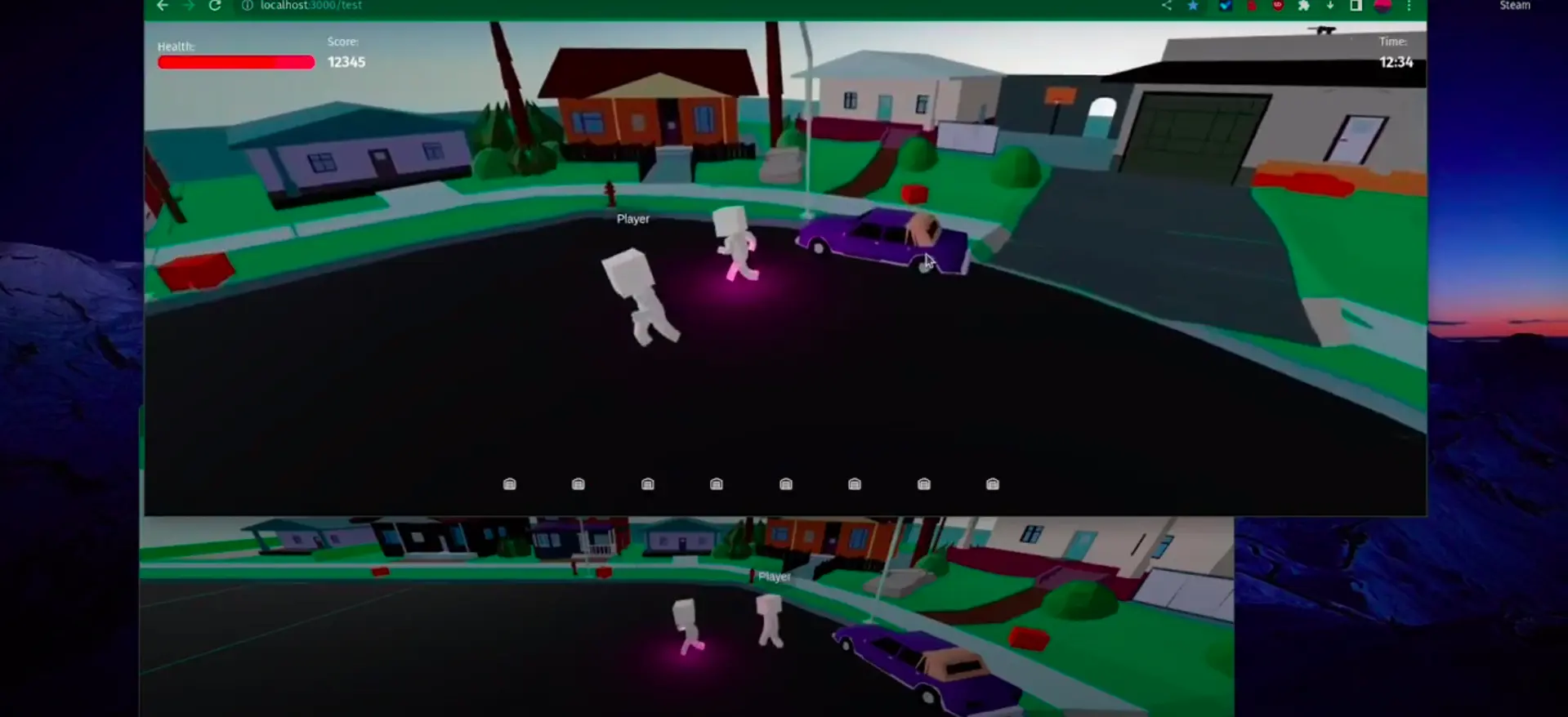
#### Test World
Play Test World
!Test World
#### Obby Parkour
Play Obby Parkour
!Obby Parkour
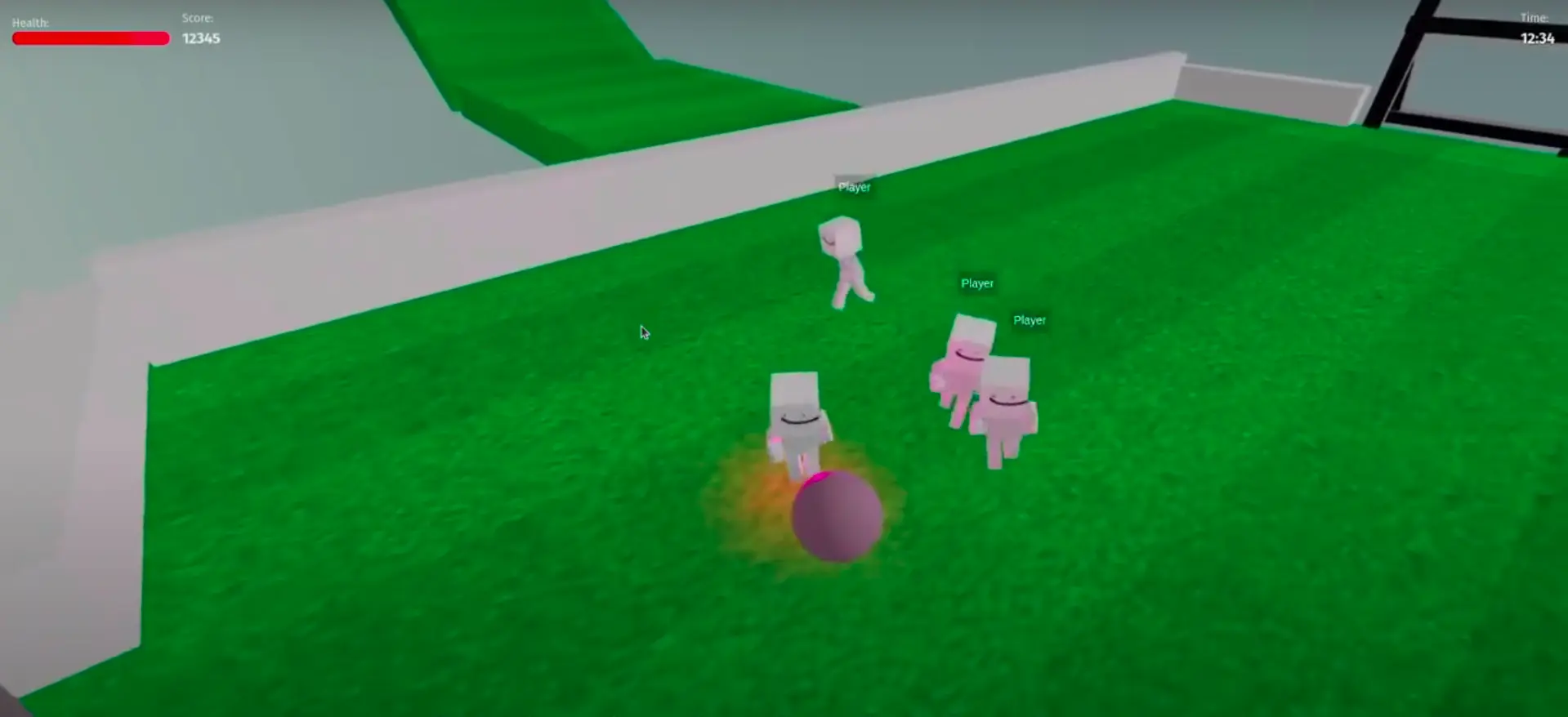
#### Football
Play Football
!Football
---
#### :
Controls
Features
Why ?
Browser games are fun, but most of them are Unity WebGL exports that take a long time to load.
I wanted to create a simple multiplayer 游戏 引擎 using Three.js and my own ECS. This project has in mind to be a simple and fast 游戏 引擎 that can be used to create simple multiplayer games with the modularity of ECS.
Multiplayer GTA-like ?
I'm thinking about creating a GTA-like 游戏 with this 引擎. It would be a simple 游戏 with a city, cars, and players. The 游戏 would be ser, and the ser be able to spawn cars, NPCs, and other entities. The 游戏 would be a simple sandbox 游戏 where players can interact with each other and the en.
Inspiration :
Demo (Click on the images to see the video)


How to run locally
Prerequisites:
uWebSockets.js. Use nvm to manage .npm i -g pnpm if you don't have it.Clone the repo
Install all packages
Run e (back + front + shared watch)
Or run indi
Go on your browser to
Backend Configuration (Game Server)
The backend can be configured through en in ./back/.env:
Local dev mode
In production
> No TLS here. The ser listens on plain ws:// (port 8001).
> Caddy terminates HTTPS in production. See
> Production deployment.
#### Game Scripts
The GAME_SCRIPT system allows for modular gameplay modes similar to Garry's Mod's LUA scripts.
Scripts live in back/src/scripts/ and are plain TypeScript source files loaded at runtime by tsx — no compilation step needed. The Docker image is built once; scripts can be swapped via a mount without e.
| Script | Description |
| ----------------------- | ------------------------------------------------------------------- |
| defaultScript.ts | Sandbox world: cars, physics cubes, a trampoline, a football |
| footballScript.ts | 2-team football match with score, goals, and a kick mechanic |
| parkourScript.ts | Obby-style obstacle course with checkpoints |
| petSimulatorScript.ts | Pet simulator: hatch eggs, collect pets, leaderboard, coin triggers |
How it works:
GAME_SCRIPT in .env points to the source filename (e.g. defaultScript.ts)sandbox.ts dynamically imports the script via tsx — TypeScript is stripped/transformed on the fly by Node's tsx loaderSwapping scripts without rebuilding:
Adding a new game mode:
1. Create back/src/scripts/myGame.ts — import ECS entities/components as needed
2. Set GAME_SCRIPT=myGame.ts in .env
3. Run pnpm run dev:back
#### Tickrate Configuration
The GAME_TICKRATE setting controls how frequently the ser 游戏 state:
| Tickrate | Use Case | Description | Server CPU Usage |
| ---------- | --------------------- | -------------------------------------------------------------- | ---------------- |
| 60 ticks/s | /Physics-heavy | Smooth physics interactions, highest precision control | High |
| 40 ticks/s | Mixed Gameplay | Good physics interactions, balanced control | Medium |
| 20 ticks/s | Standard Gameplay | Good balance of responsi and performance | Low |
Performance Considerations:
- Server CPU usage
- Network bandwidth
- Client-ser
Front end Configuration
To configure the front end, set the NEXT_PUBLIC_SER en in your .en file:
The client appends the game's slug as a URL path (e.g. /test, /obby,/football, /pet-simulator), so the test ser becomesws://localhost:8001/test in dev and wss://back.notblox.online/test in
production. Slugs are defined in front/public/gameData.json and must match the
route names in the Caddyfile.
Production deployment
Production runs entirely through docker-compose.yml. A
single Caddy container is the only thing exposed to
the internet (ports 80/443); it terminates TLS and re each game
to its container over the internal Docker 网络.
Caddy obtains and renews Let's Encrypt certificates on its own and stores them in
the caddy_data named , so the 游戏 servers ne a certificate and
speak plain ws:// on 8001. Games are selected by URL path; adding one means
adding a service plus one /handle block in the Caddyfile.
DNS: point an A record for back.notblox.online at the server. If you use
Cloudflare, keep that record DNS-only (grey cloud) so Caddy can complete the
HTTP-01 challenge; the orange-cloud proxy would intercept it.
How to change the map
Maps are GLB/GLTF files. The back-end approximates a Trimesh Collider based on the map, which is rendered on the 客户端.
To change the map, update the URL in back/src/scripts/defaultScript.ts:
---
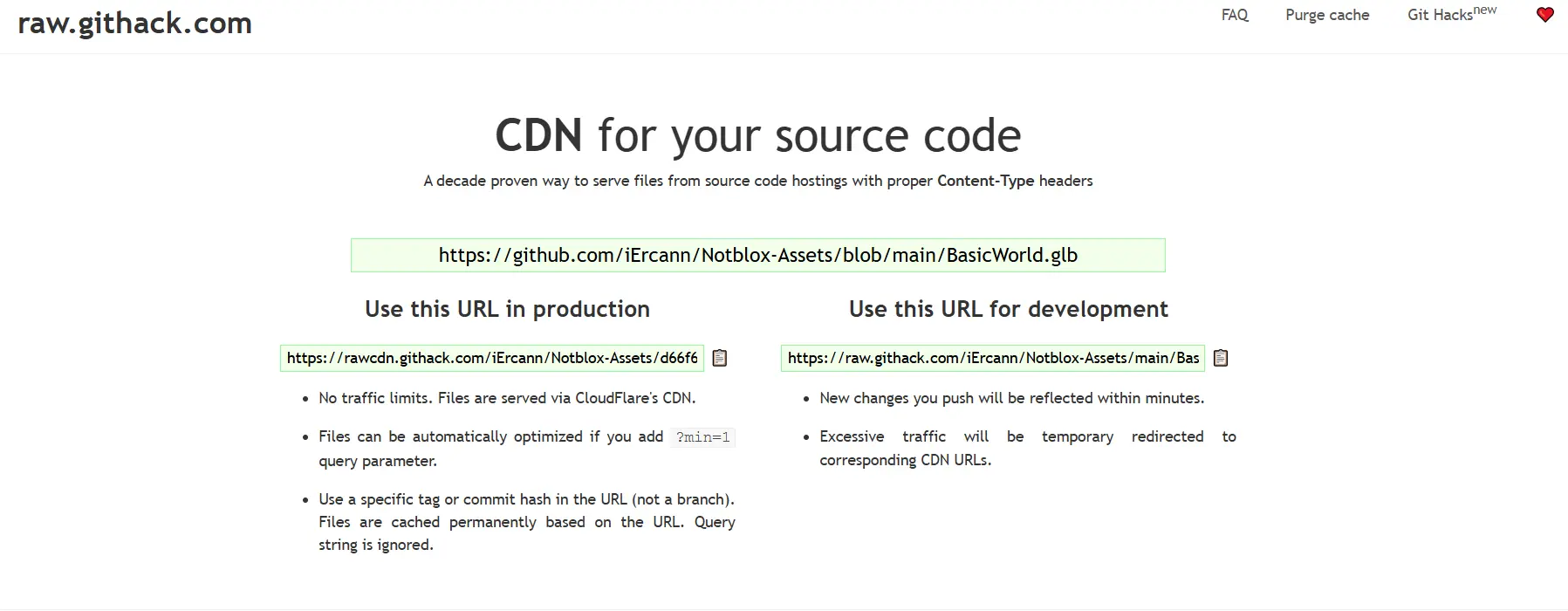
How to Host Your Assets for Free Without a S3 Bucket
You can host your assets for free using GitHub and Githack. Here's how:
1. Create a repository on GitHub, e.g., Notblox-Assets.
2. Use Githack to serve your assets via CDN: Setup Githack.
!Githack
Then, update the URL in defaultScript.ts:
---
How to Point the Map to a Local File (For Testing)
For local testing, place the map .glb under the front/public/assets folder and use:
Make sure to run the front-end with npm run dev to serve the local file.
Blender: How to Export a Map Correctly
Export with Compression
Choose GLB/GLTF export.
!Choose GLB/GLTF Export
!Activate Compression
Current Event system (might change!)
Is it better design to store event effects within an Entity itself, or within a system?
> If you are using event queues anyway, you can also do them properly. With one global E system which receives all events. Systems can subscribe to events they are interested in and then the E will put those events into their event queues.
Component can also be a NetworkComponent. This means it can be sent over the 网络 to be replicated by the clients.Shared
Back
The back-end need to pass some events; This is achieved with the event components (example: E) that are only used once per ECS loop and then removed from the E entity.
It can be received by any system, here ColorE :
The ColorComponent is updated:
Client (front-end)
The component is replicated by the 客户端 with the SyncComponentsSystem.ts, then it uses the front-end of SyncColorSystem to actually change the color of the mesh, you could incorporate more checks here depending on other components
You like this project or want to talk about Three.js games ?
Discord 👀
Shared file import Error .js files fix
Link to GitHub Discussion
Asset Credits
San Andreas Map :
Kenney Assets
⚠️ This project is not related to any crypto project
There have been some modifications of Notblox running online to promote cryptocurrencies, it is not made by me
The point of notblox was to show a demo of a multiplayer 3d 游戏 with three.js, fully open-源码
The only I run is notblox.online, all the other modifications are made by third-parties
技术栈
开发语言:TypeScript
项目类型:3D 多人联机游戏 NotBlox
Star 数:184
功能特点
这是一套3D 多人联机游戏 NotBlox,代码结构清晰,适合开发者学习游戏的客户端渲染、服务端逻辑、场景管理与资源加载。项目涵盖了游戏的核心玩法、界面交互、地图与角色系统等模块,对理解游戏开发的完整流程具有较高的参考价值。
从技术实现角度看,游戏项目的难点在于:游戏循环与状态管理、资源加载与渲染优化、客户端与服务端的协议同步、以及多平台适配。本项目在这些方面提供了可运行的实现,开发者可以在此基础上进行二次开发或学习研究。
部署说明
1. 下载源码压缩包,解压到本地开发环境。
2. 根据项目类型准备对应的运行环境(Node.js / Go / C# / Unity / Godot 等)。
3. 按照 README 中的步骤配置依赖、数据库和配置文件。
4. 先启动服务端,再运行客户端,即可进入游戏进行测试。
注意:本项目仅供学习研究使用,请勿用于商业或非法用途。
学习价值
对于想进入游戏开发领域的开发者来说,这套源码是一个很好的入门参考。通过阅读代码,可以学习到游戏的核心玩法实现、场景与资源管理、网络协议设计、以及渲染优化等关键技术点。
同时,项目中的代码组织方式和模块划分,也展示了游戏项目在工程化方面的实践经验,值得开发者深入研究和借鉴。理解一个完整游戏项目的架构,对后续开发其他类型游戏也很有帮助。
免责声明
本资源来源于开源社区,仅供学习研究和技术交流使用,请勿用于任何商业或违法违规用途。使用本项目产生的一切后果由使用者自行承担。若涉及第三方权益,请联系删除。
| 资源标题 | NotBlox - 3D 多人联机游戏 NotBlox |
| 所属分类 | 页游源码 |
| 发布作者 | admin |
| 发布时间 | 2026-10-05 21:08:48 |
| 下载权限 | 免费下载 |
| 附件数量 | 2 个下载链接 |
| 浏览次数 | 169 |
| 讨论数量 | 0 |
| 主题状态 | 正常讨论中 |