 安全软件
点击放大
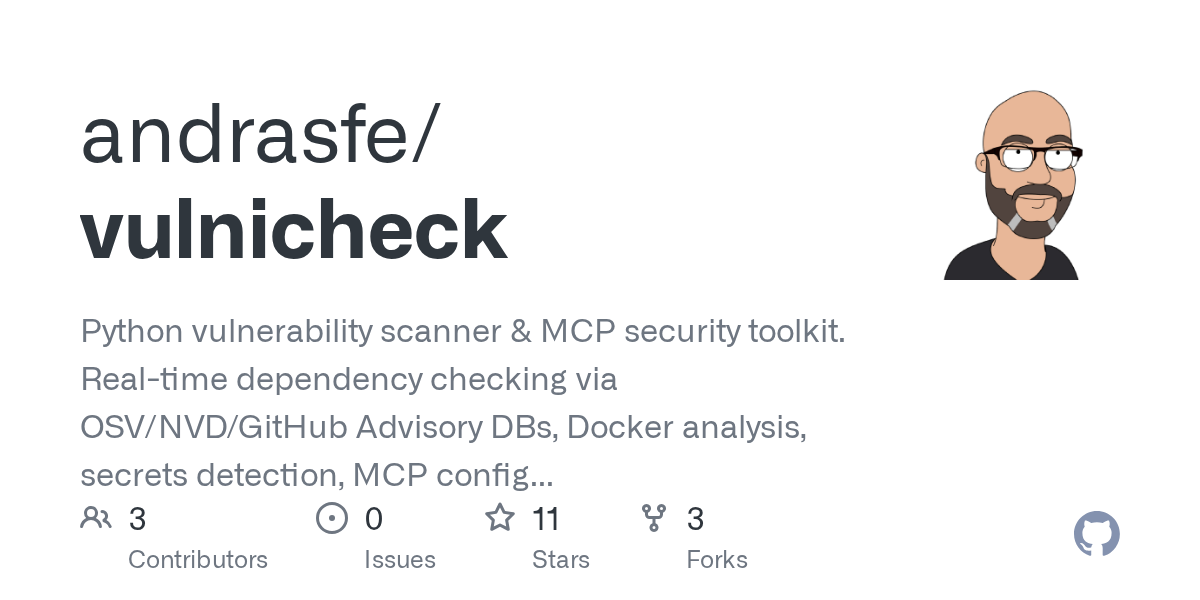
vulnicheck - Python vulnerability scanner & MCP security toolki
项目说明
- AI-Powered Security Scanner
provides comprehensi analysis for Python projects and GitHub repositories using AI-powered detection. It runs as a Docker-based HTTP MCP server with standard HTTP streaming (no SSE required), pro secure containerized deployment with comprehensi scanning capabilities.
Quick Start
1. Pull and Run the Docker Container
2. Add to Claude Code
That's it! is now a in Claude Code.
Usage
Once installed, simply ask Claude:
will:
Key Features
A Tools
| Tool | Description |
|------|-------------|
| check_package_ | Check a specific Python package for |
| scan_dependencies | Scan dependency files (requirements.txt, pyproject.toml, etc.) |
| scan_installed_packages | Scan currently installed Python packages |
| get_c | Get detailed information about a specific CVE |
| scan_for_secrets | Detect exposed secrets and credentials in code |
| scan_dockerfile | Analyze Dockerfiles for Python dependencies |
| scan_github_repo | Comprehensi scan of GitHub repositories |
| assess_operation_safety | AI-powered risk assessment for operations |
| | MCP ser configurations |
| comprehensi | Interacti security assessment |
Optional API Keys
Enhance with API keys for better rate limits and AI features:
Authentication (Optional)
supports optional Google OAuth 2.0 authentication for secure access control. By default, authentication is disabled.
Enabling Google OAuth
1. Get Google OAuth Credentials:
- Go to Google Cloud Console
- Create a project and enable Google+ API
- Create OAuth 2.0 credentials (Web application)
- Add authorized redirect URI: (or your domain)
2. Configure En :
3. Run with Authentication:
4. Using docker-compose:
See docker-compose.auth-example.yml for a complete configuration example.
Note: OAuth tokens are persisted in /home//./tokens. Use a Docker to persist tokens across container restarts.
⚠️ Known OAuth Limitations
FastMCP OAuth + HTTP Transport Incompatibility
Due to a limitation in FastMCP 2.12.4, OAuth authentication does not work properly with HTTP transport (streamable-http). The authorization endpoints (/oauth/authorize, /oauth/callback) are not correctly mounted, resulting in 404 errors.
When OAuth Works:
/.well-known/oauth-protected-resource)When OAuth Does NOT Work:
Workaround for External Clients (ChatGPT, etc.):
Run without authentication when accessing through ngrok or other public URLs:
In your MCP client (ChatGPT, etc.):
Security Considerations:
Future Resolution:
This limitation will be resolved when:
1. FastMCP fixes OAuth + HTTP transport support, OR
2. Alternati mechanisms are implemented
Using with ngrok
Quick Start (No OAuth):
Optional OAuth Script (Experimental - OAuth Not Functional):
A con script restart-.sh is provided for testing OAuth, but OAuth does not currently work due to FastMCP limitations:
Note: The script is provided for future use when FastMCP OAuth + HTTP transport is fixed. Currently, always run without OAuth for external clients.
Building from Source
Docker Hub
The official Docker image is a at:
andrasfe/:latestRequirements
Supported File Types
requirements.txt, pyproject.toml, setup.py, lock filesDockerfile, docker-compose.ymlSupport
---
DISCLAIMER: data provided "AS IS" without warranty. Users are responsible for and remediation.
项目信息
开发语言:Python
Star 数:11
技术要点
该项目属于安全软件方向的开源资源,代码结构清晰,适合安全研究人员学习参考。项目围绕Python vulnerability scanner & MCP security toolkit. Real-time dependency checking via OSV/NVD/GitHub Advisory DBs, Docker analysis, secrets detection, MCP config validation, LLM-powered risk assessment & interactive security audits. Full CVE details, CVSS scores & remediation guidance.展开,提供了可运行的实现,对理解相关安全机制、工具原理与攻防技术具有较高的研究价值。
从技术实现角度看,此类项目的核心在于对底层原理的深入理解与工程化落地。开发者在研究过程中可以结合官方文档与社区讨论,梳理项目的初始化流程、核心模块职责与数据流转,逐步掌握其中的技术细节与设计思路。
使用与学习建议
1. 下载源码压缩包,解压到本地环境。
2. 根据项目类型准备对应的运行环境与依赖。
3. 按照 README 中的步骤完成配置与部署。
4. 在隔离的测试环境中运行验证,避免影响生产系统。
免责声明
本资源来源于开源社区,仅供安全研究、技术学习与合法授权范围内的攻防演练使用,请勿用于任何非法或侵害他人权益的用途。使用本项目产生的一切后果由使用者自行承担。
| 资源标题 | vulnicheck - Python vulnerability scanner & MCP security toolki |
| 所属分类 | 安全软件 |
| 发布作者 | admin |
| 发布时间 | 2026-10-05 23:01:28 |
| 下载权限 | 免费下载 |
| 附件数量 | 2 个下载链接 |
| 浏览次数 | 171 |
| 讨论数量 | 0 |
| 主题状态 | 正常讨论中 |