 防护思路
点击放大
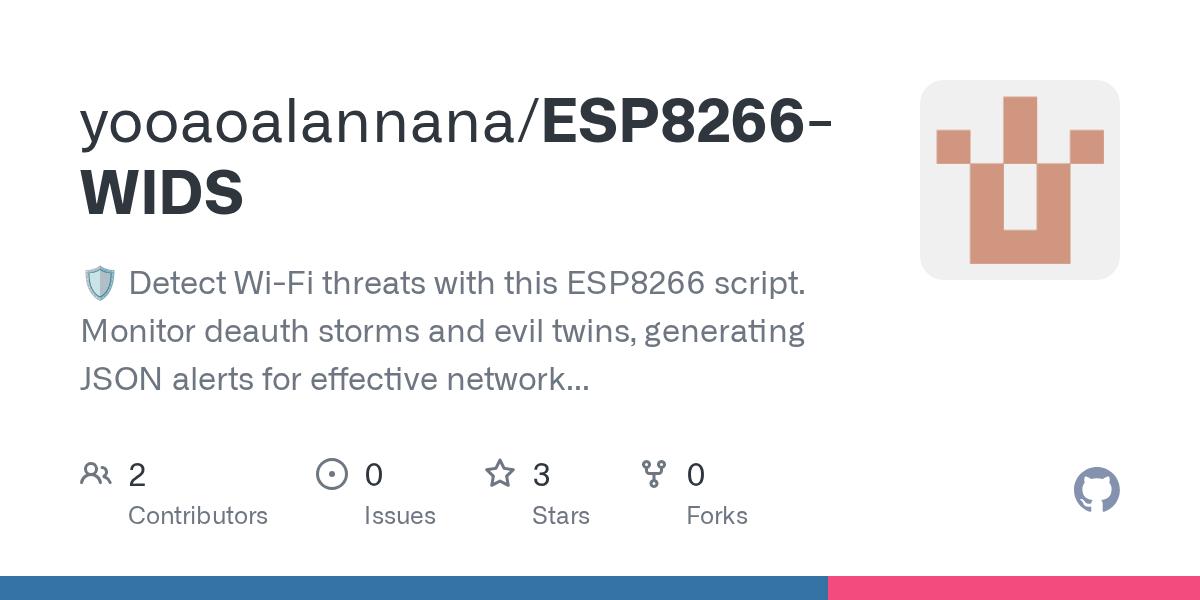
ESP8266-WIDS - 🛡️ Detect Wi-Fi threats with this ESP8266 script.
项目说明
🎉 ESP8266-WIDS - Detect Wi-Fi Intrusion Easily
🌐 Introduction
Welcome to ESP8266-WIDS, a powerful tool designed for detecting Wi-Fi intrusion attacks. This system utilizes the ESP8266 microcontroller and Python to monitor your Wi-Fi network. It can identify deauthentication attacks and e access points through the analysis of management frames. With this application, you can enhance your home or office network's security effortlessly.
📦 Download & Install
![Download ESP8266-WIDS]()
To get the application, please follow these steps:
1. Visit the Releases Page: Click on the link below to access the download page:
Download from Releases
2. Choose the Latest : Once you are on the releases page, look for the latest of the software. The number will be highlighted.
3. Download the File: Click on the asset for your system type to download the installation file. For most users, this will be an executable or zip file.
4. Install the Application:
- If you downloaded an executable file, double-click it to start the installation process. Follow the on-screen prompts to complete the installation.
- If you downloaded a zip file, extract it to a folder on your computer. You will then find the executable file inside the folder. Double-click it to run.
5. Start Using the Software: Once installed, open the application to begin scanning your Wi-Fi network for any potential threats.
🚀 Getting Started
1. Connect Your ESP8266: Ensure your ESP8266 device is set up and connected to the same Wi-Fi network you want to monitor.
2. Open the Application: Start the application on your computer.
3. Select Your Device: In the application interface, choose your ESP8266 from the list of a devices.
4. Run a Scan: Click on the "Scan" button to begin monitoring your network. The application will start analyzing data packets and identify any suspicious activity.
5. Review the Reports: After the scan completes, check the reports for any detected deauthentication attacks or e access points. The summary will provide a clear o of your network's security status.
📋 System Requirements
To run ESP8266-WIDS successfully, ensure your system meets the following requirements:
🔍 Features
🛠️ Troubleshooting
If you encounter any issues while using the application, here are some common problems and solutions:
Problem: Can't Connect to ESP8266
Problem: Application Crashes
Problem: No Alerts Triggered
🚀 Support
For further assistance or questions, you can access the community discussions or create an issue on the project’s GitHub page. Your feedback helps improve the application.
---
Thank you for choosing ESP8266-WIDS. Enjoy enhanced security for your Wi-Fi network!
项目信息
开发语言:Python
Star 数:3
技术要点
该项目属于防护思路方向的开源资源,代码结构清晰,适合安全研究人员学习参考。项目围绕🛡️ Detect Wi-Fi threats with this ESP8266 script. Monitor deauth storms and evil twins, generating JSON alerts for effective network security management.展开,提供了可运行的实现,对理解相关安全机制、工具原理与攻防技术具有较高的研究价值。
从技术实现角度看,此类项目的核心在于对底层原理的深入理解与工程化落地。开发者在研究过程中可以结合官方文档与社区讨论,梳理项目的初始化流程、核心模块职责与数据流转,逐步掌握其中的技术细节与设计思路。
使用与学习建议
1. 下载源码压缩包,解压到本地环境。
2. 根据项目类型准备对应的运行环境与依赖。
3. 按照 README 中的步骤完成配置与部署。
4. 在隔离的测试环境中运行验证,避免影响生产系统。
免责声明
本资源来源于开源社区,仅供安全研究、技术学习与合法授权范围内的攻防演练使用,请勿用于任何非法或侵害他人权益的用途。使用本项目产生的一切后果由使用者自行承担。
| 资源标题 | ESP8266-WIDS - 🛡️ Detect Wi-Fi threats with this ESP8266 script. |
| 所属分类 | 防护思路 |
| 发布作者 | admin |
| 发布时间 | 2026-10-06 00:18:10 |
| 下载权限 | 免费下载 |
| 附件数量 | 2 个下载链接 |
| 浏览次数 | 168 |
| 讨论数量 | 0 |
| 主题状态 | 正常讨论中 |