 防护思路
点击放大
Phishing-Attack-Simulation-Detection - A cybersecurity lab project for simulating phishin
项目说明
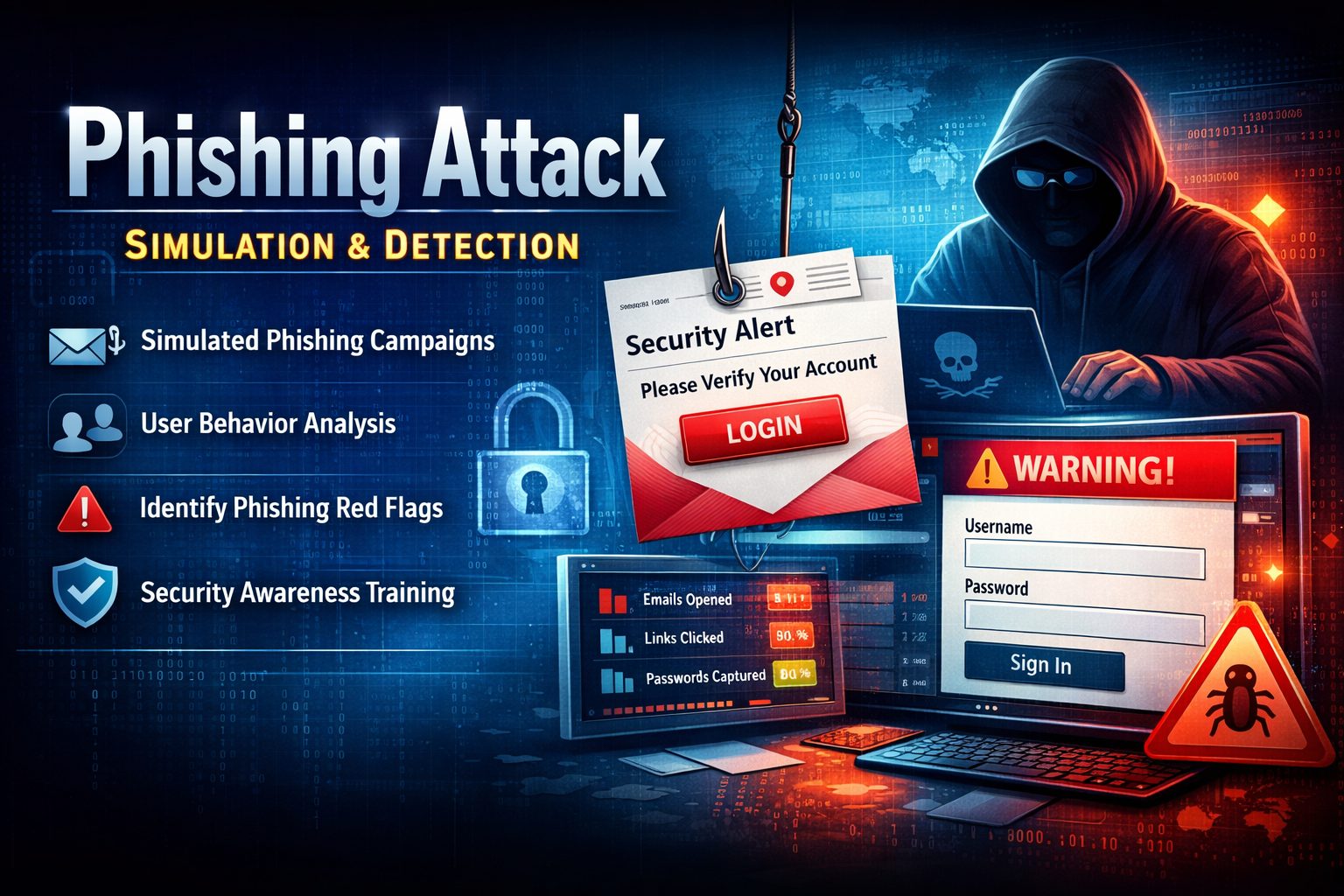
!Banner
!Security Awareness
!Phishing Simulation
!GoPhish
!MailHog
Phishing Attack Simulation & Detection
📌 Project O
Phishing remains one of the most pre and damaging social engineering tactics used by cyber ad to compromise enterprise systems.
This project demonstrates a controlled phishing attack simulation conducted in a secure lab en to analyze phishing techniques, monitor target interactions, identify key red flags, and document defensi strategies.
---
🎯 Objectives
---
🧰 Tools & Technologies
| Tool | Purpose |
|------|---------|
| GoPhish | Open-source phishing simulation framework |
| MailHog | De tool for local SMTP testing and email capture |
| Kali Linux | Operating system host en |
| VS Code / HTML5 | Template design and custom payload crafting |
---
🛠️ Installation & Setup (Kali Linux)
Step 1: Update System Packages
Step 2: Check System Architecture
system architecture compatibility (x86_64 recommended):
Step 3: Download & Extract GoPhish
Na to
/opt and download the latest release:Step 4: Configure Listener Interface
Edit
config.json to configure the administration interface:Change listen_url under admin_server to listen locally:
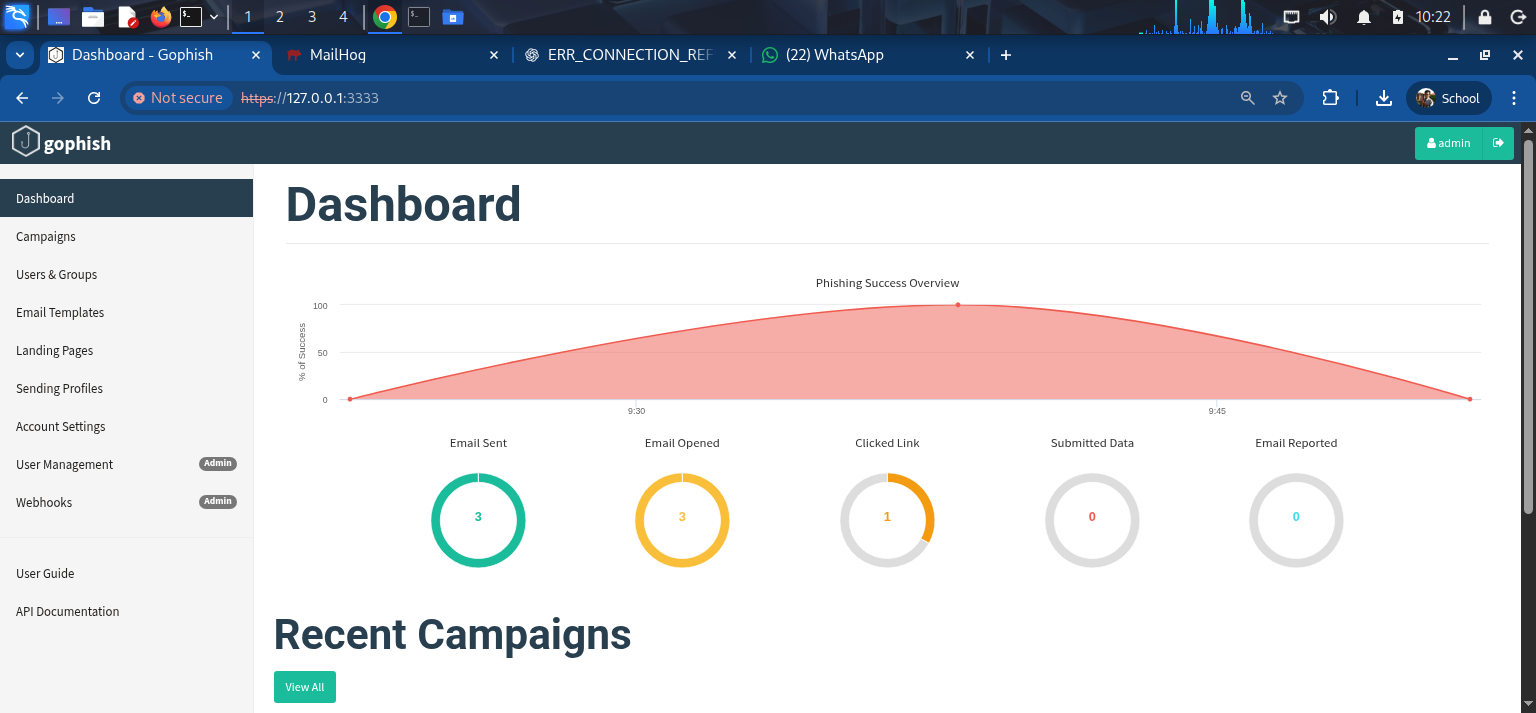
!GoPhish Dashboard
---
🚀 Step-by-Step Simulation Campaign Walkthrough
🔹 STEP 1: Create an Email Template
1. In GoPhish, na to Email Templates and click + New Template.
2. Fill out the template parameters:
- Name:
Password Reset Simulation – Test 2- En Sender:
IT Support <>- Subject:
Password Reset Required3. HTML payload sample (a in templates/email_template.html):
4. Keep Add Tracking Image checked and click Sa.
!Email Template Setup
---
🔹 STEP 2: Create a Landing Page
1. Na to Landing Pages and click + New Page.
2. Configure parameters:
- Name:
Password Reset Awareness – Test 2- HTML Content (a in templates/landing_page.html):
3. Keep Capture Submitted Data unchecked (to prevent storing raw credentials). Click Save Page.
!Landing Page Setup
---
🔹 STEP 3: Configure Target Users & Groups
1. Na to Users & Groups and click + New Group.
2. Name the group
Security Awareness Lab – Feb 2026.3. Import target users using a CSV file (sample provided in templates/users_group.csv).
!Users & Groups Setup
---
🔹 STEP 4: Configure Sending Profile (MailHog)
1. Na to Sending Profiles and click + New Profile.
2. Configure MailHog SMTP details:
- Name:
MailHog Lab- Interface Type:
SMTP- SMTP From:
- Host:
127.0.0.1:1025- Username / Password: *(lea)*
- Ignore Certificate Errors: ✅ Checked
3. Click Sa.
!Sending Profile Setup
---
🔹 STEP 5: Launch Phishing Campaign
1. Na to Campaigns and click + New Campaign.
2. Set configuration:
- Name:
Password Reset Test – Feb 2026- Email Template:
Password Reset Simulation – Test 2- Landing Page:
Password Reset Awareness – Test 2- URL:
- Sending Profile:
MailHog Lab- Groups:
Security Awareness Lab – Feb 20263. Click Launch Campaign and confirm.
!Campaign Setup
---
🔹 STEP 6: Monitor Results & Analyze MailHog Captures
1. Access MailHog web interface at
2. Inspect intercepted simulation emails, tracking pixels, and user interactions.
!MailHog Interface
---
📊 Campaign Metrics & Tracking Results
| Metric | Description | Example Results |
|--------|-------------|-----------------|
| Emails Sent | Total phishing emails dispatched | 10 |
| Emails Opened | Target opened email (tracking image triggered) | 7 |
| Links Clicked | Target clicked simulated phishing link | 4 |
| Forms Submitted | High-risk behavior (submitted credentials/form) | 2 |
| Emails Ignored | Security-aware behavior | 3 |
---
🚩 Identifying Phishing Red Flags
Email Red Flags
Link & URL Indicators
---
🛡️ Pre & Mitigation Strategies
Technical Controls
User & Organizational Measures
---
👤 Author
---
📚 References
---
❓ Frequently Asked Interview Questions
1. What is a phishing attack?
> Answer: Phishing is a social engineering attack where bad actors impersonate legitimate organizations or trusted indi , SMS, or phone to decei into re sensiti, such as passwords, banking credentials, or personal data.
2. What are the common types of phishing attacks?
> Answer:
> - Spear Phishing: Targeted phishing aimed at a specific indi or organization.
> - Whaling: Phishing targeted specifically at high-profile executives (CEOs, CFOs).
> - & Smishing: Phishing conducted calls () or SMS text messages (Smishing).
> - Watering Hole Attack: Compromising a website frequently by targets to infect .
3. How do defenders detect phishing attacks?
> Answer: Defenders use automated email security solutions (SPF/DKIM/DMARC ), dynamic URL scanning, email header analysis, spam threshold scoring, endpoint detection & response (EDR), and user-submitted suspicious email reports.
4. Why is phishing considered one of the most dangerous attack ?
> Answer: Phishing bypasses traditional technical security perimeters by directly targeting human psychological (trust, urgency, fear). A single compromised credential can grant an ad initial access to internal networks.
5. What are the primary methods to prevent phishing?
> Answer: Pre requires a multi-layered defense model combining strong technical controls (MFA, SPF/DKIM/DMARC, email sandboxing) with continuous security awareness training and regular phishing simulation exercises.
---
🔒 Disclaimer
This project is de strictly for educational and authorized security awareness testing purposes. Executing phishing simulations against unauthorized targets without prior explicit written consent is illegal.
项目信息
开发语言:HTML
Star 数:2
技术要点
该项目属于防护思路方向的开源资源,代码结构清晰,适合安全研究人员学习参考。项目围绕A cybersecurity lab project for simulating phishing attacks and analyzing detection techniques, with security awareness, email threat analysis, and defensive monitoring workflows.展开,提供了可运行的实现,对理解相关安全机制、工具原理与攻防技术具有较高的研究价值。
从技术实现角度看,此类项目的核心在于对底层原理的深入理解与工程化落地。开发者在研究过程中可以结合官方文档与社区讨论,梳理项目的初始化流程、核心模块职责与数据流转,逐步掌握其中的技术细节与设计思路。
使用与学习建议
1. 下载源码压缩包,解压到本地环境。
2. 根据项目类型准备对应的运行环境与依赖。
3. 按照 README 中的步骤完成配置与部署。
4. 在隔离的测试环境中运行验证,避免影响生产系统。
免责声明
本资源来源于开源社区,仅供安全研究、技术学习与合法授权范围内的攻防演练使用,请勿用于任何非法或侵害他人权益的用途。使用本项目产生的一切后果由使用者自行承担。
| 资源标题 | Phishing-Attack-Simulation-Detection - A cybersecurity lab project for simulating phishin |
| 所属分类 | 防护思路 |
| 发布作者 | admin |
| 发布时间 | 2026-10-06 00:20:40 |
| 下载权限 | 免费下载 |
| 附件数量 | 2 个下载链接 |
| 浏览次数 | 298 |
| 讨论数量 | 0 |
| 主题状态 | 正常讨论中 |