 防护思路
点击放大
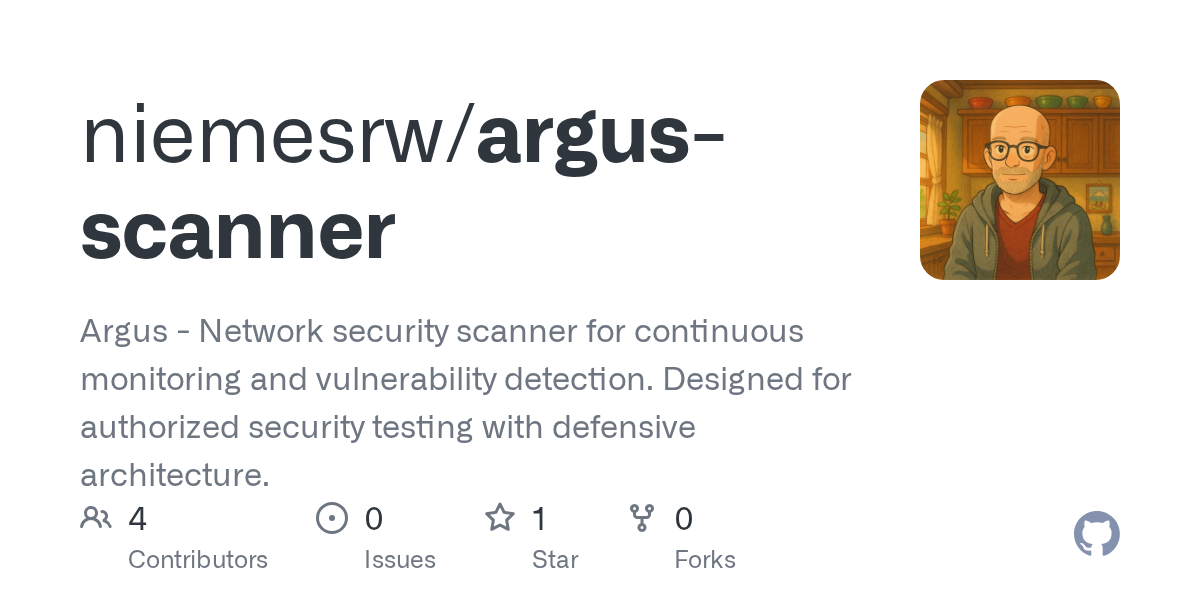
argus-scanner - Argus - Network security scanner for continuous mo
项目说明
Argus Network Security Scanner
A continuous network security monitoring agent designed to run on Raspberry Pi, with support for local de on macOS.
⚠️ Security Notice
This tool is designed for authorized security testing only. Use this software only on networks you own or ha permission to test. Unauthorized network scanning may be illegal in your jurisdiction.
Features
Quick Start
Local De (macOS)
1. Clone the repository
2. Start with Docker Compose
3. Access the dashboard
Raspberry Pi Deployment
1. Prerequisites
- Raspberry Pi 4 (recommended) with Raspbian OS
- Docker and Docker Compose installed
- Network access to target subnet
2. Deploy using the script
Configuration
En
| | Description | Default |
|----------|-------------|---------|
| ARGUS_ENV | En (de/production) | production |
| ARGUS_NETWORK_RANGE | Network range to scan | 192.168.1.0/24 |
| ARGUS_SCAN_INTERVAL | Scan interval in seconds | 3600 |
| ARGUS_MOCK_MODE | Use mock data (for de) | false |
Alert Configuration
Configure alerts by setting these en :
Email Alerts:
ARGUS_ALERT_EMAIL_ENABLED: Enable email alertsARGUS_SMTP_HOST: SMTP server hostARGUS_SMTP_PORT: SMTP server portARGUS_SMTP_USERNAME: SMTP usernameARGUS_SMTP_PASSWORD: SMTP passwordARGUS_ALERT_FROM: Sender email addressARGUS_ALERT_TO: Comma-separated recipient emailsSlack Alerts:
ARGUS_ALERT_SLACK_ENABLED: Enable Slack alertsARGUS_SLACK_WEBHOOK: Slack webhook URLGitHub Actions Deployment
Setup
1. Configure GitHub Secrets:
- PI_HOST: Raspberry Pi hostname/IP
- PI_USERNAME: SSH username
- PI_SSH_KEY: Private SSH key for authentication
- PI_NETWORK_RANGE: Network range to scan
- ARGUS_SECRET_KEY: Secret key for web app
- Alert configuration secrets (optional)
2. Enable GitHub Packages:
- Go to Settings → Actions → General
- Enable "Read and write permissions"
3. Deploy:
- Push to main branch triggers automatic deployment
- Or manually trigger tab
De
Project Structure
Running Tests
Mock Mode
For safe de, enable mock mode:
API Endpoints
GET /api/stats - Dashboard statisticsGET /api/devices - List all devicesGET /api/ - List GET /api/alerts - List alertsPOST /api/scan/start - Trigger manual scanSecurity Considerations
1. Network Isolation: Run Argus on an isolated network segment
2. Access Control: Secure the web dashboard with authentication
3. Rate Limiting: Scans are throttled to prevent network disruption
4. Logging: All scanning acti are logged for audit purposes
5. No Exploitation: The tool identifies but does not exploit
Troubleshooting
Common Issues
1. Permission Denied (nmap)
2. Port 8080 Already in Use
3. Database Lock Error
Contributing
1. Fork the repository
2. Create a feature branch
3. Make your changes
4. Run tests
5. Submit a pull request
License
This project is licensed under the MIT License - see LICENSE file for details.
Disclaimer
This tool is provided for educational and authorized security testing purposes only. The authors are not responsible for any misuse or damage caused by this software.
Acknowledgments
项目信息
开发语言:Python
Star 数:1
技术要点
该项目属于防护思路方向的开源资源,代码结构清晰,适合安全研究人员学习参考。项目围绕Argus - Network security scanner for continuous monitoring and vulnerability detection. Designed for authorized security testing with defensive architecture.展开,提供了可运行的实现,对理解相关安全机制、工具原理与攻防技术具有较高的研究价值。
从技术实现角度看,此类项目的核心在于对底层原理的深入理解与工程化落地。开发者在研究过程中可以结合官方文档与社区讨论,梳理项目的初始化流程、核心模块职责与数据流转,逐步掌握其中的技术细节与设计思路。
使用与学习建议
1. 下载源码压缩包,解压到本地环境。
2. 根据项目类型准备对应的运行环境与依赖。
3. 按照 README 中的步骤完成配置与部署。
4. 在隔离的测试环境中运行验证,避免影响生产系统。
免责声明
本资源来源于开源社区,仅供安全研究、技术学习与合法授权范围内的攻防演练使用,请勿用于任何非法或侵害他人权益的用途。使用本项目产生的一切后果由使用者自行承担。
| 资源标题 | argus-scanner - Argus - Network security scanner for continuous mo |
| 所属分类 | 防护思路 |
| 发布作者 | admin |
| 发布时间 | 2026-10-06 00:26:14 |
| 下载权限 | 免费下载 |
| 附件数量 | 2 个下载链接 |
| 浏览次数 | 175 |
| 讨论数量 | 0 |
| 主题状态 | 正常讨论中 |