 红蓝攻防
点击放大
Stormspotter - Azure Red Team tool for graphing Azure and Azure A
项目说明
<p align="center">
<img src="docs/stormspotter.png" /><br>
<img src=" />
<img src=" />
</p>
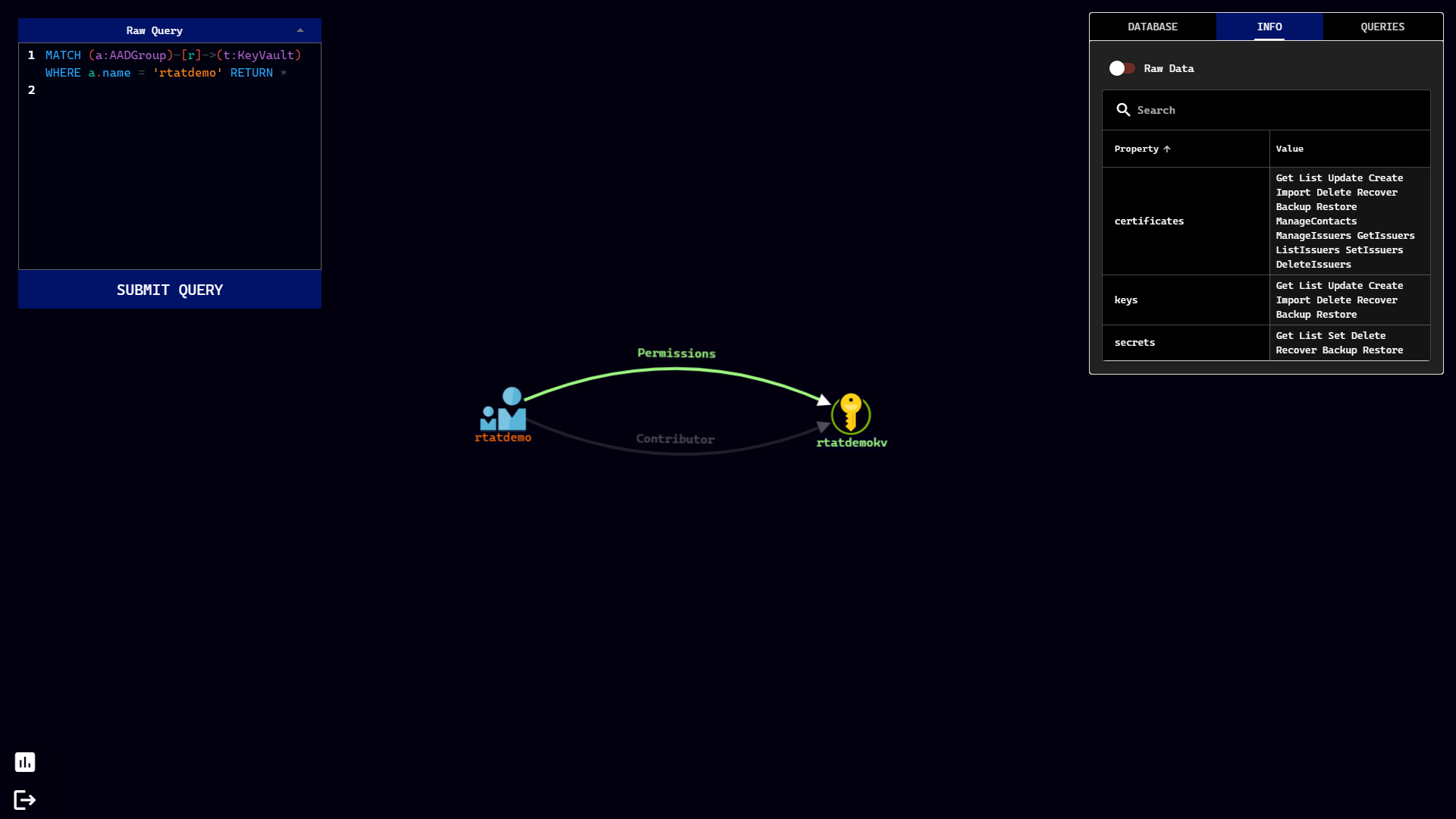
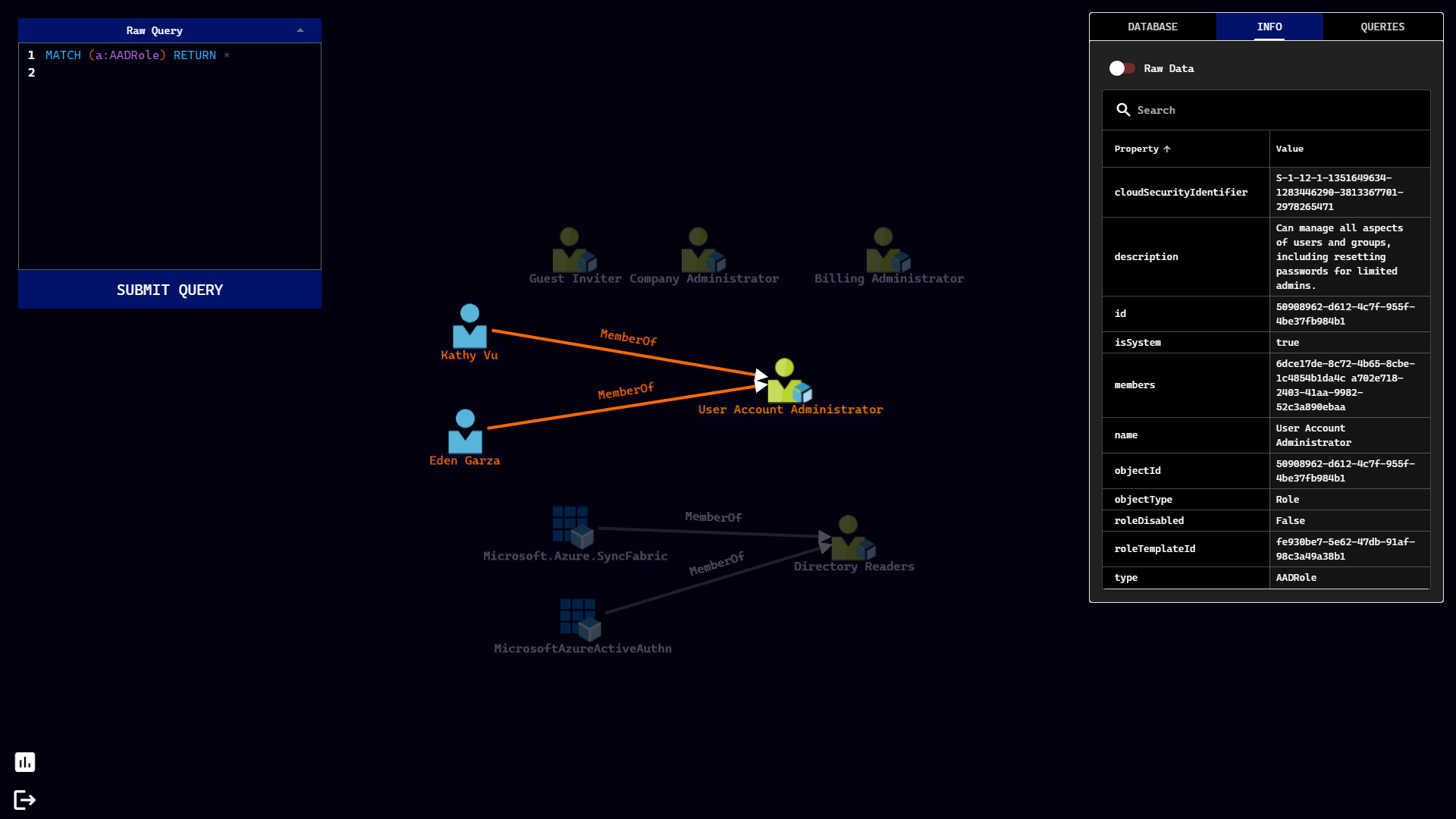
Stormspotter creates an “attack graph” of the resources in an Azure subscription. It enables red teams and pentesters to the attack surface and pi within a tenant, and supercharges your defenders to quickly orient and prioritize incident response work.
---
Installation
With Docker
Most users may find it easier to install Stormspotter . This is the recommended method.
The docker-compose file will create three containers:
By default, the Stormspotter container will expose the UI on port 9091. The neo4j container will expose neo4j on ports 7474 (HTTP), and 7687 (Bolt). Default configuration of Neo4j does not have SSL enabled, therefore you may initially interact directly with the neo4j interface on port 7474.
Note: Currently, Stormspotter only supports running these containers locally. Attempting to upload to the frontend hosted remotely will be unsuccessful but this behavior is expected to change in the future.
The default credentials for neo4j are: neo4j/password. You can change this in the docker-compose file via the NEO4JAUTH en .
Without Docker
If you choose to run Stormspotter without Docker, you must have Python 3.8, NodeJS/npm, and Neo4j installed. You can also grab the latest Stormspotter releases from here.
Backend
The backend handles parsing data into Neo4j is built with FastAPI. If you don't plan on uploading new content for the database, you may not need to run the backend at all. The backend is configured to run on port 9090. You may change this by changing the port number on line 5 of app.py. If you do, you must also change the port in the Q-Uploader component in the DatabaseView Component so that the uploads from the frontend get sent to the correct port where the backend resides.
Web App
The web app is de using Vue and the Quasar Framework. The single-page app (SPA) has been built for you and resides in frontend/dist/spa. To serve this directory:
You can then visit in your browser.
Running Stormspotter
Stormcollector
Stormcollector is the portion of Stormspotter that allows you to enumerate the subscriptions the provided credentials ha to. The _RECOMMENDED_ way to use Stormcollector is to run the sscollector.pyz package, found in the release file for your operating system. This PYZ has been created with Shiv and comes with all the packages already zipped up! The dependencies will extract themselves to a .shiv folder in the user's home directory.
If for some reason you don't want to use the provided package, you may install the required packages with pip or pipenv. With this approach, it's _highly recommended_ to install Stormcollector in a en to prevent package conflicts. If you ha managing your en, you should use the recommended method above.
Current login types supported:
az login first)You can check out all of the options Stormcollector offers by using the -h switch as shown above. The most basic usages of Stormcollector are:
Common options for all authentication types
- This option is useful if you want to parse the output for reasons other than Stormspotter.
Uploading Results
Once you' up the UI, you will see a section in the database tab labeled "Stormcollector Upload". Add your file to this uploader and the processing will begin. As the results get processed, you can check the backend logs to view progress, and the results should also be reflected in the same Database View tab.
Notes
Known Issues
Screenshots
!Screenshot1
!Screenshot2
!Screenshot3
Contributing
This project welcomes contributions and suggestions. Most contributions require you to agree to a
Contributor License Agreement (CLA) declaring that you have the right to, and actually do, grant us
the rights to use your contribution. For details, visit
When you submit a pull request, a CLA bot will automatically determine whether you need to provide
a CLA and decorate the PR appropriately (e.g., status check, comment). Simply follow the instructions
provided by the bot. You will only need to do this once across all repos using our CLA.
This project has adopted the Microsoft Open Source Code of Conduct.
For more information see the Code of Conduct FAQ or
contact with any additional questions or comments.
项目信息
开发语言:Python
Star 数:1720
技术要点
该项目属于红蓝攻防方向的开源资源,代码结构清晰,适合安全研究人员学习参考。项目围绕Azure Red Team tool for graphing Azure and Azure Active Directory objects展开,提供了可运行的实现,对理解相关安全机制、工具原理与攻防技术具有较高的研究价值。
从技术实现角度看,此类项目的核心在于对底层原理的深入理解与工程化落地。开发者在研究过程中可以结合官方文档与社区讨论,梳理项目的初始化流程、核心模块职责与数据流转,逐步掌握其中的技术细节与设计思路。
使用与学习建议
1. 下载源码压缩包,解压到本地环境。
2. 根据项目类型准备对应的运行环境与依赖。
3. 按照 README 中的步骤完成配置与部署。
4. 在隔离的测试环境中运行验证,避免影响生产系统。
免责声明
本资源来源于开源社区,仅供安全研究、技术学习与合法授权范围内的攻防演练使用,请勿用于任何非法或侵害他人权益的用途。使用本项目产生的一切后果由使用者自行承担。
| 资源标题 | Stormspotter - Azure Red Team tool for graphing Azure and Azure A |
| 所属分类 | 红蓝攻防 |
| 发布作者 | admin |
| 发布时间 | 2026-10-06 00:35:11 |
| 下载权限 | 免费下载 |
| 附件数量 | 2 个下载链接 |
| 浏览次数 | 142 |
| 讨论数量 | 0 |
| 主题状态 | 正常讨论中 |