 红蓝攻防
点击放大
CVE-2021-21123-PoC-Google-Chrome - 🐱💻 👍 Google Chrome - File System Access API - vul
项目说明
📝 Description
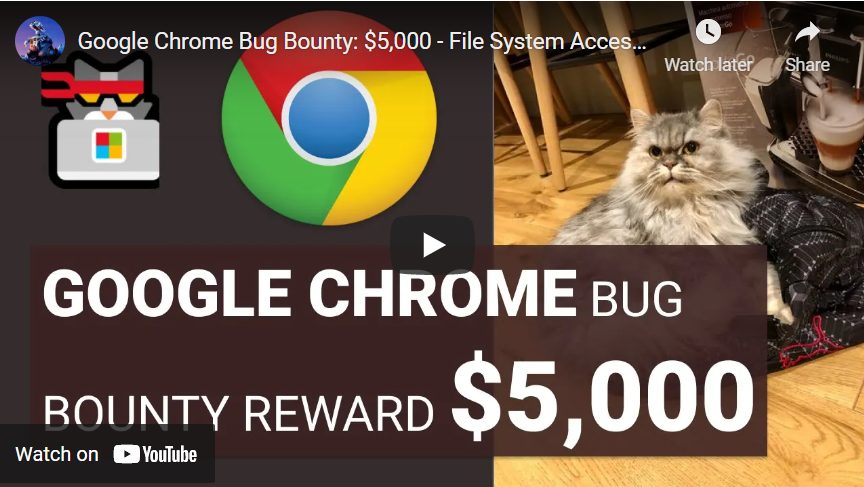
Google Chrome - File System Access API - reported by Maciej Pulikowski
Total Bug Bounty Reward: $5.000
This is Proof of Concept for:
* *[Google Security_Se] CVE*
* [HIGH] C
* [MEDIUM] C
* [MEDIUM] C
* [MEDIUM] C
* [MEDIUM] C
* [LOW] C
The main security issue here is the operating system dialog "Save as" launched by Google Chrome, is showing to the user the wrong file extension of downloaded the file. It shows "Save as type: JPEG (.jpg)" but downloads virus.jpg.lnk that can download and run virus.exe by PowerShell.
So it is a kind of spoofing extension of downloaded a file.
The bugs works in Google Chrome 86 and 87 on Windows, Mac, and Linux.
Of course, LNK works only on Windows, but we can change it to a different extension on Linux or Mac.
Google Blog posts:
*
*
Mentioned bugs are "Reported by Maciej Pulikowski"
📺 Youtube Proof of Concept
![PoC Video]()
Thanks for the thumbs up 😀👍
👨💻 Code PoC
Requirements: Nothing, you just need to run an HTML file in an older of Google Chrome 86 or 87. If you want to test it with a .lnk file, you have to create FUD "lnkextra.lnk" file, because it is not included.
* example_showSa.html (The bugs works in Google Chrome 86 and 87. They are patched in 88+)
C, C, C, C, C
Playground of my examples for showSa():
* Save LNK file and show save as type: JPEG Image (*.jpg)
* A many of whitespace and fake extensions in the description
* RTL in description
* Super long description
* Many spaces in the extension
* RTL in extension
* Extension ends with space
* Extension ends with a period
* Save LNK file in a different way
* EXTRA - Because e happens in JS we can check if the user's browser is
* example_getFileHandle.html (The bug works in Google Chrome 86, 87, and 88. It is patched in 89+)
C - getFileHandle() - Save .lnk file to selected folder
💻 Useful links
🤝 Show your support
Give a ⭐️ if you liked the content
✔️ Disclaimer
This project can only be used for educational purposes. Using this software against target systems without prior permission is illegal, and any damages from misuse of this software will not be the responsibility of the author.
项目信息
开发语言:HTML
Star 数:176
技术要点
该项目属于红蓝攻防方向的开源资源,代码结构清晰,适合安全研究人员学习参考。项目围绕🐱💻 👍 Google Chrome - File System Access API - vulnerabilities reported by Maciej Pulikowski | Total Bug Bounty Reward: $5.000 | CVE-2021-21123 and 5 more...展开,提供了可运行的实现,对理解相关安全机制、工具原理与攻防技术具有较高的研究价值。
从技术实现角度看,此类项目的核心在于对底层原理的深入理解与工程化落地。开发者在研究过程中可以结合官方文档与社区讨论,梳理项目的初始化流程、核心模块职责与数据流转,逐步掌握其中的技术细节与设计思路。
使用与学习建议
1. 下载源码压缩包,解压到本地环境。
2. 根据项目类型准备对应的运行环境与依赖。
3. 按照 README 中的步骤完成配置与部署。
4. 在隔离的测试环境中运行验证,避免影响生产系统。
免责声明
本资源来源于开源社区,仅供安全研究、技术学习与合法授权范围内的攻防演练使用,请勿用于任何非法或侵害他人权益的用途。使用本项目产生的一切后果由使用者自行承担。
| 资源标题 | CVE-2021-21123-PoC-Google-Chrome - 🐱💻 👍 Google Chrome - File System Access API - vul |
| 所属分类 | 红蓝攻防 |
| 发布作者 | admin |
| 发布时间 | 2026-10-06 00:48:01 |
| 下载权限 | 免费下载 |
| 附件数量 | 2 个下载链接 |
| 浏览次数 | 495 |
| 讨论数量 | 0 |
| 主题状态 | 正常讨论中 |